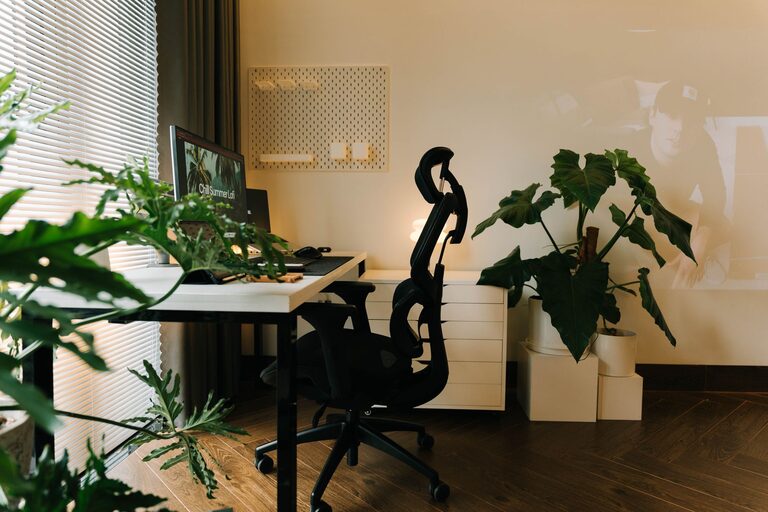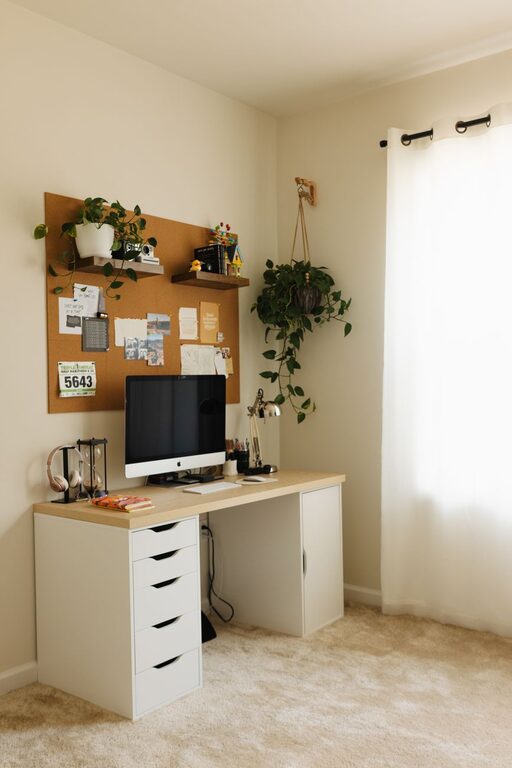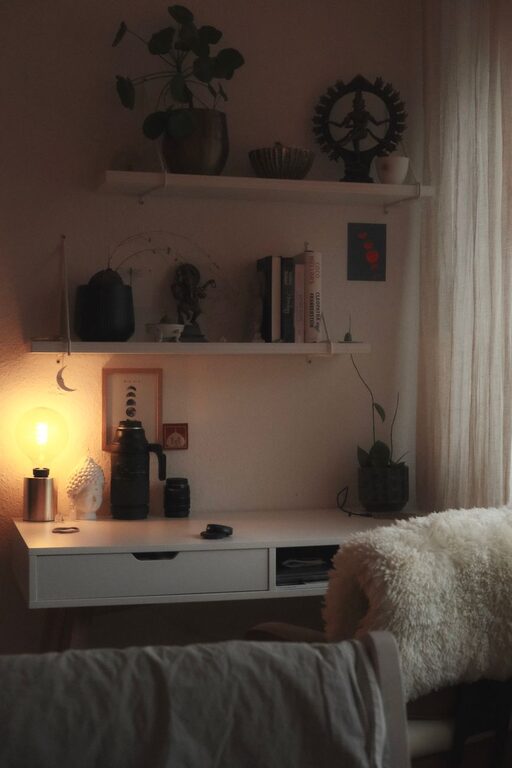

Creating a home office that feels cozy yet promotes productivity can be a game-changer for your work-from-home routine. Whether you’re freelancing, managing a business, or just need a quiet spot to focus, setting up the right environment can help you stay motivated and comfortable throughout the day.
In this post, we’ll explore practical tips and ideas to help you design a home office space tailored to your needs.
Choose the Right Location
Selecting the ideal spot for your home office is the first step to creating a productive workspace.
– Quiet and Low Traffic: Choose a space away from household noise and distractions.
– Natural Light: If possible, pick a spot near a window to benefit from daylight which can improve mood and focus.
– Space Considerations: Make sure there is enough room to fit your desk, chair, and any necessary equipment without feeling cramped.
Invest in Comfortable Furniture
Comfort is key when spending long hours at your desk.
– Ergonomic Chair: An adjustable chair that supports your back will prevent discomfort and promote good posture.
– Desk Height: Your desk should allow your elbows to rest at 90 degrees while typing, reducing strain.
– Flexible Setup: Consider a sit-stand desk to alternate between sitting and standing during the day.
Organize with Purpose
Keeping your workspace tidy helps reduce stress and distractions.
– Storage Solutions: Use shelves, filing cabinets, or desk organizers to keep documents and supplies neatly arranged.
– Cable Management: Tidy up cords with clips or sleeves to prevent clutter.
– Daily Reset: Spending five minutes at the end of each day to tidy your desk prepares you for a fresh start tomorrow.
Personalize Your Space
Adding personal touches can make your office more inviting and inspiring.
– Decor: Hang art or photos that motivate you.
– Plants: Incorporate some greenery to freshen the air and create a calm atmosphere.
– Soft Textiles: Use cushions, rugs, or curtains to add warmth and reduce echo.
Optimize Lighting
Good lighting can reduce eye strain and increase alertness.
– Layered Lighting: Combine natural light with overhead and task lighting.
– Adjustable Desk Lamp: Position a lamp to shine directly on your work area without causing glare on your screen.
– Warm Light Bulbs: Choose bulbs with warm tones to create a cozy environment.
Minimize Distractions
Staying focused is essential for productivity.
– Limit Noise: Consider noise-canceling headphones or white noise machines if ambient sounds are unavoidable.
– Tech Boundaries: Use apps or settings that minimize notifications during work hours.
– Clear Desk Policy: Keep only essential items on your desk to avoid visual clutter.
Maintain Good Air Quality
A well-ventilated space helps you stay alert.
– Open Windows: Fresh air circulation helps improve concentration.
– Air Purifiers: Use an air purifier if ventilation is limited.
– Humidity Control: A humidifier can add moisture in dry environments for comfort.
Establish Routine and Boundaries
Your environment is only part of the equation; habits matter too.
– Set Work Hours: Define when your workday begins and ends.
– Breaks: Schedule short breaks to stretch and rest your eyes.
– Separate Work and Relaxation: When possible, keep your workspace distinct from your relaxation areas.
Final Thoughts
Creating a cozy and productive home office is about balancing comfort with functionality. By thoughtfully choosing your space, furniture, lighting, and organization, you’ll foster an environment that helps you stay motivated and focused. Remember, small changes can make a big difference in your daily work experience.
Start with one or two tips today and gradually build a workspace that truly supports your success.