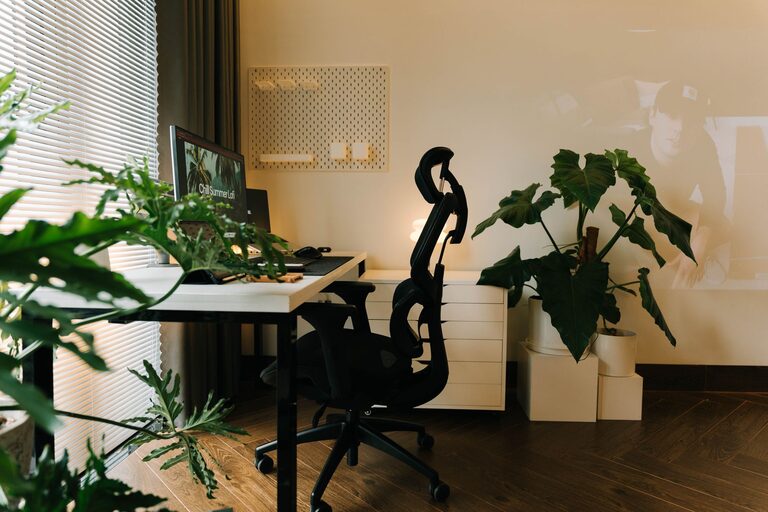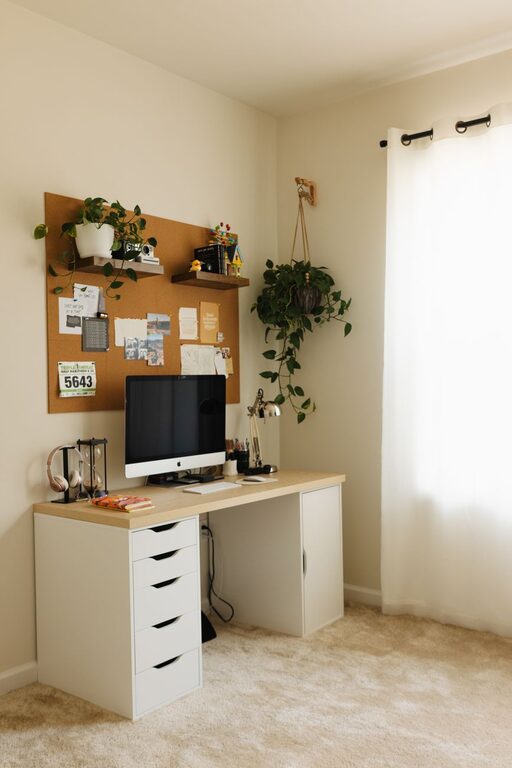

Creating an organized, clutter-free workspace is more than just an aesthetic choice—it can significantly impact your productivity and focus. When your desk is clean and your tools are easy to find, you can work more efficiently and reduce stress. In this post, we’ll explore straightforward tips to help you declutter your workspace and maintain a productive environment.
Why a Clutter-Free Workspace Matters
A cluttered workspace can cause distractions, slow down your workflow, and make it difficult to find essential items. On the other hand, a well-organized desk helps clear your mind, allowing you to focus better on tasks. Studies suggest that reducing physical clutter can have a positive effect on mental clarity, making it easier to stay on track during busy workdays.
Step 1: Clear Everything and Start Fresh
– Remove all items from your desk and nearby storage.
– Sort items into categories: keep, relocate, recycle, or trash.
– This process gives you a clear view of what you really need and what can be eliminated.
Step 2: Assess Your Workspace Needs
Before returning items to your desk, think about your daily activities.
– Identify essential tools you use regularly, such as your computer, notepad, or phone charger.
– Limit items on your desk to what you truly need to complete tasks effectively.
– Store less frequently used items in drawers or shelves to keep surfaces open and tidy.
Step 3: Create Zones for Different Tasks
Organizing your workspace into zones helps streamline your workflow.
– Work Zone: Where your computer and main work materials live.
– Reference Zone: Books, manuals, or documents you use often.
– Storage Zone: Supplies like pens, paper, and chargers.
– Personal Zone: Minimal personalized items that motivate you but don’t cause clutter.
Step 4: Use Organizers and Storage Solutions
Investing in the right organizers can prevent clutter from building up again.
– Use desk trays or drawers for papers.
– Employ pen holders or cups for writing instruments.
– Consider cable organizers to manage cords.
– Transparent containers help you quickly see what’s inside.
Step 5: Develop Easy Daily Habits
Consistency is key to maintaining a clutter-free workspace.
– At the end of your day, spend 5 minutes putting items back in their designated spots.
– Regularly discard or recycle unnecessary papers.
– Limit keeping food or unrelated items on your desk to avoid distractions.
Step 6: Digitize When Possible
Reducing physical paper clutter goes a long way toward an organized space.
– Scan important documents and save digital copies.
– Use cloud storage for easy access and backup.
– Keep digital notes instead of sticky notes scattered around you.
Step 7: Personalize Thoughtfully
Personal touches can make your workspace comfortable and inviting but avoid overdoing it.
– Choose a few meaningful items like a small plant or a photo.
– Avoid excessive decorations that reduce usable space.
– Make sure personalized items help create a calm, focused environment.
Conclusion
An organized, clutter-free workspace supports better focus and productivity by creating a calm and efficient work environment. By following these simple steps—clearing your desk, organizing essential items, establishing zones, using organizers, maintaining habits, digitizing documents, and personalizing thoughtfully—you can create a space that helps you work smarter, not harder. Start small, stay consistent, and enjoy the benefits of a neat workspace every day.